
|
MyGaDOE |
Version 1.0 |
To access the MyGaDOE messaging system, complete the following steps:
From any page in MyGaDOE, click the Message link in the Utility menu. This is located near the left side of the Utility menu, located near the top of the page, as shown in the image below. The Message Main page displays.
A sample page, with the Message link marked by a box
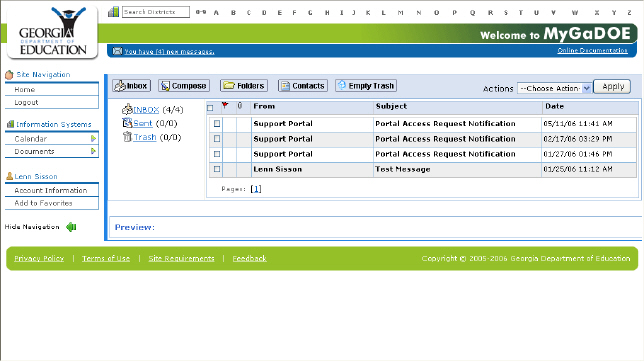
The Messaging Main page
You are now in the messaging applet and can perform whatever functions you need to.
This completes the access Messaging process.