|
MyGaDOE |
Version 1.0 |
If you forgot your password, the first thing to do is make sure that you have created a user account. You cannot log into MyGaDOE if you do not have an account on MyGaDOE.
Note: If you had an account on any of the data collection applications that existed before MyGaDOE was established, the account you had there was transferred to MyGaDOE, though your password was changed in the process (you should have been sent an e-mail with your new password).
To set up an new account, please click here to go to the Provisioning section of this document. If you are certain that you have an account, please complete the following steps:
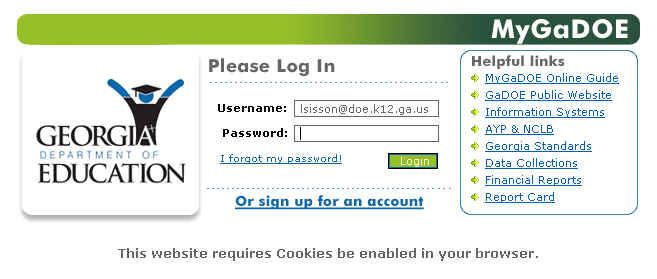
From the MyGaDOE Login page, as shown below, click the "I forgot my password!" link located to the left of the Login button.
The MyGaDOE Login page, showing the "I forgot my password!" link
The Forgot Login message displays, as shown in the image, below.
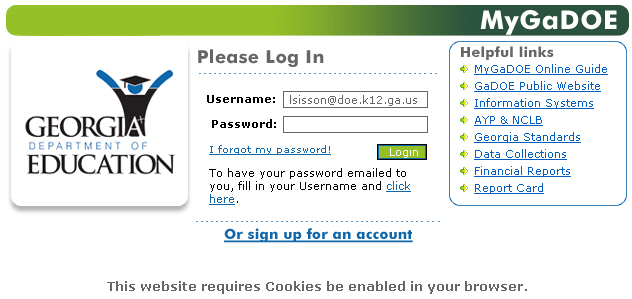
The Forgot Login message allows you to click on a link and have your password sent to you
If it is not already displayed, enter your username in the Username text box. This is your e-mail address (e.g., jdoe@doe.k12.ga.us). The username displays as you type it.
Click the "Click here" link. MyGaDOE will e-mail you the password associated with the username you specified.
When you receive your password, login as described in the Login section of this document.
This completes the Request Forgotten Password process.